
Free guided meditation for Windows

Train your mind where you work.

Desktop Meditator blends guided mindfulness, emotional regulation, and BrainSync neural audio into simple sessions for anxiety, intrusive thoughts, focus, growth, and calm. Free, no ads, no clutter.

2000+built-in voice prompts Freeno ads, no noisy upsell BrainSyncaudio for focus, rest, and calm
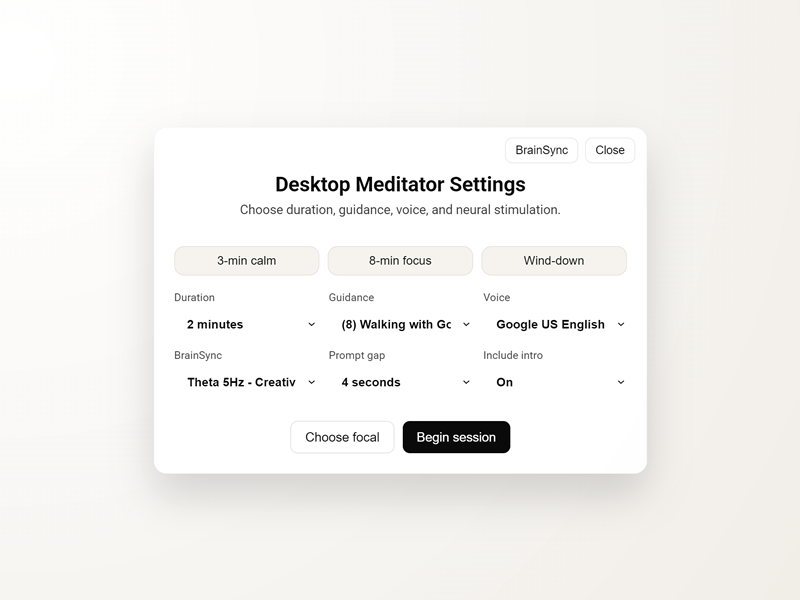
Desktop Meditator settings with duration, guidance, voice, and BrainSync controls

Guidance for the mind you are actually in.

Pick a script set, choose a duration, add an optional BrainSync bed, and start a session that meets the moment.

Mindfulness and regulation

Gentle prompts help you return to the present, soften reactivity, and practice a calmer internal response.
Anxiety support

Use guided sets for fear, uncertainty, rumination, and the mental loops that make a normal day feel heavy.

Growth and becoming

Move from settling the nervous system into discipline, authenticity, creative output, integrity, and steady action.

Desktop Meditator active meditation screen with a calm focal symbol

For the moments when your mind is loud and you need a guided way back to yourself.

Mindfulness meets BrainSync neural stimulation.
Unguided Meditation Mindfulness & Loving Kindness Anxiety, Fear & Uncertainty Personal Growth & Authenticity Creative Work for Solopreneurs Integrity Inner Strength & Discipline Quitting: Riding the Wave Walking with God

Built from lived practice.

Ricky Browne created Desktop Meditator after using mindfulness, positive self-talk, and neuroscience-backed routines to work through social anxiety, obsessive rumination, and worry.
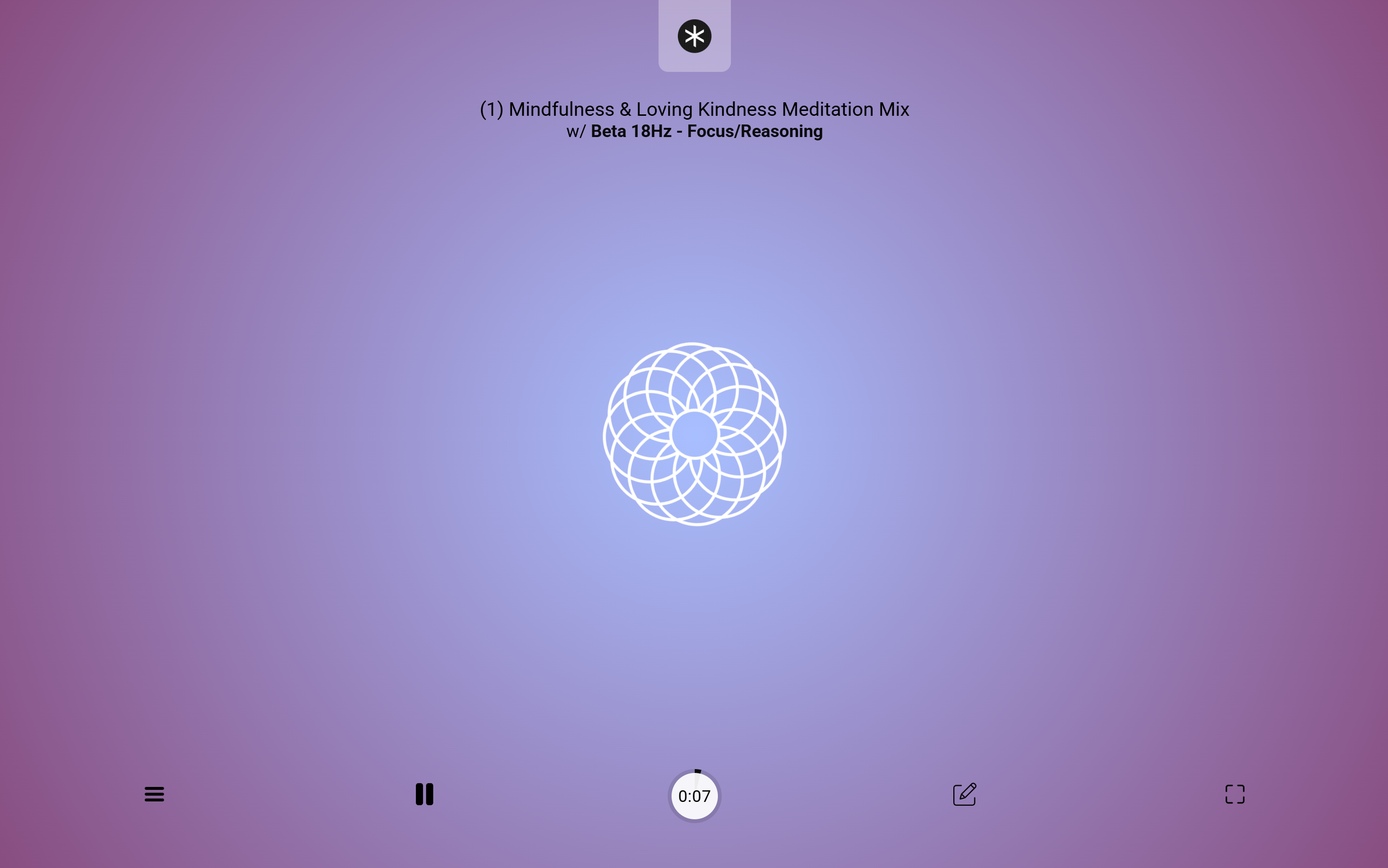
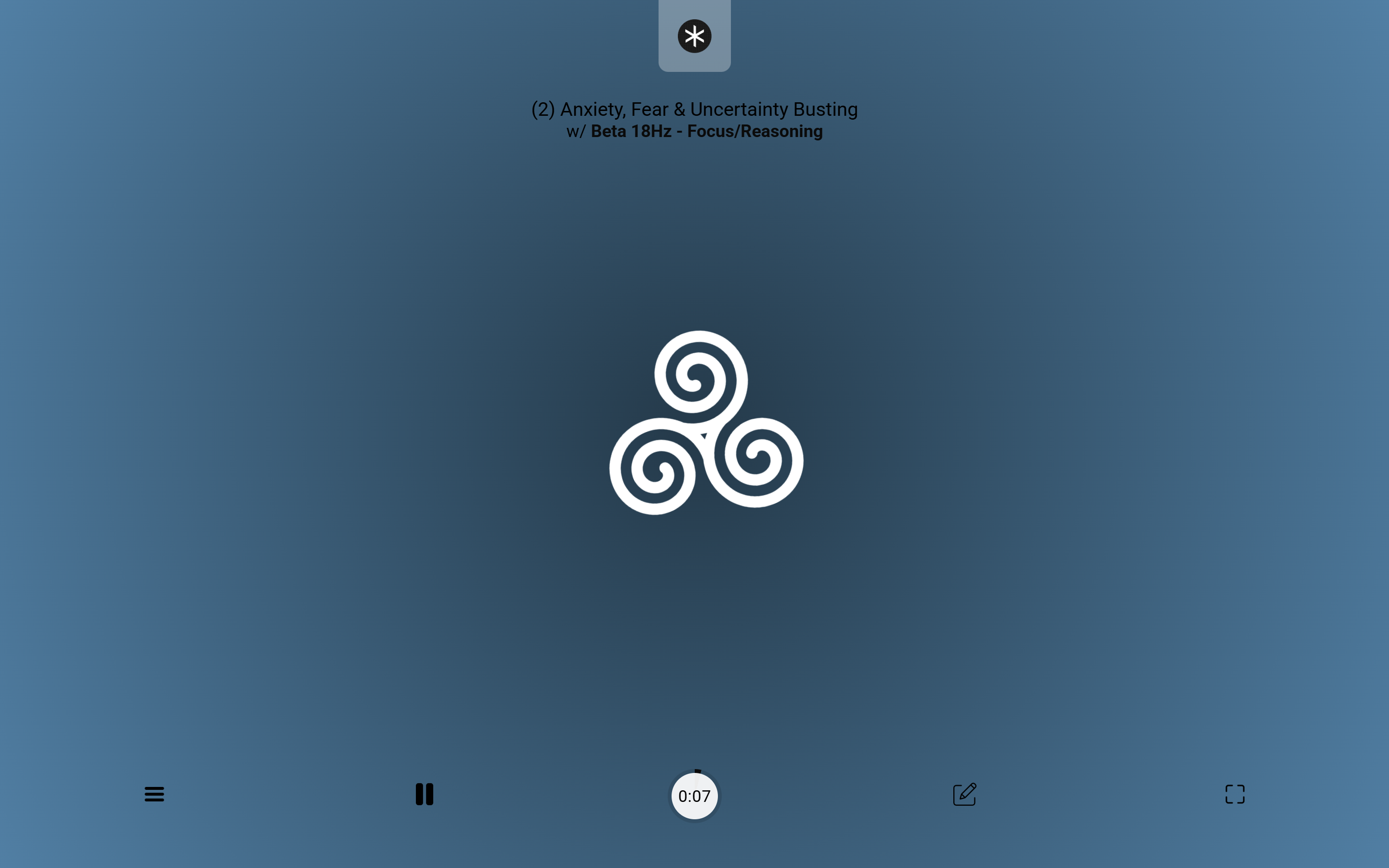
Desktop Meditator mindfulness session with BrainSync focus audio Desktop Meditator anxiety session with BrainSync focus audio

BrainSync when you want more than silence.

Choose frequency or noise profiles that support the kind of session you are entering: rest, visualization, flow, concentration, study, or problem solving.

Delta, Theta, and Alpha

Use these slower states for meditation, relaxation, memory, visualization, calm awareness, and flow. They are best when the aim is softening, restoring, or settling.

Beta and Gamma

Use these for focused attention, reasoning, learning, and inspiration. Keep intense sessions intentional, especially before sleep or while doing tasks that need full external attention.

Brown, Pink, and White Noise

Use noise profiles to mask distraction, create a stable background, support study, or reduce the sharp edges of a busy room.

Guidance + Audio Bed

The app is built around pairing spoken meditation prompts with a chosen sound profile, so your attention has both a voice to follow and an atmosphere to rest in.

Free. No ads. Just a calmer next session.

Install Desktop Meditator on Windows, or open the web version when you want guided meditation from any browser.

Toolbox