Inspect Before You Publish
See the metadata a page is really sending out.
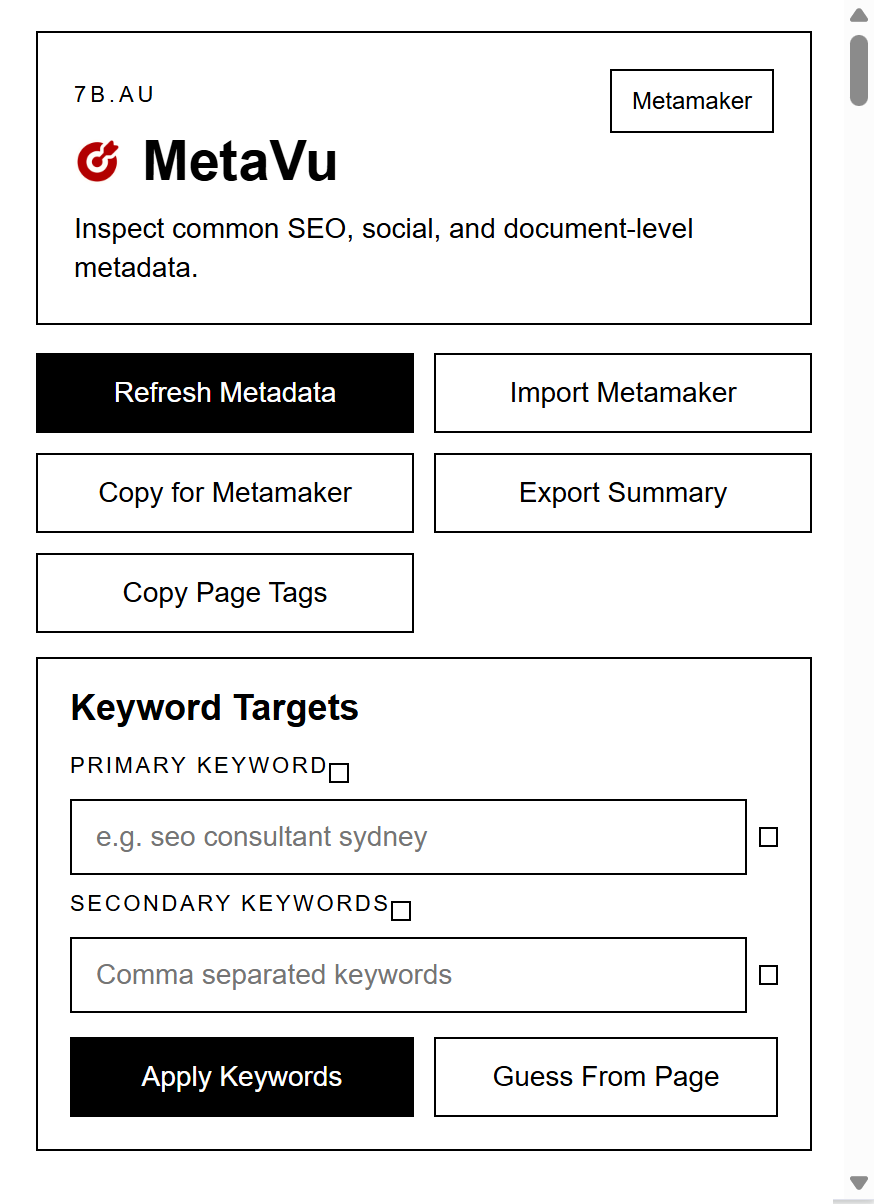
MetaVu is a Chrome extension for reviewing on-page SEO, Open Graph, Twitter card data, structured data, indexability clues, and other metadata signals from the active page. It gives you a fast inspection view so you can spot missing tags, mismatches, and weak spots before they ship.
How it works
Open MetaVu on the page you want to inspect. The extension reads the active tab, gathers the page�s metadata, and organizes it into practical sections so you can review what search engines and social platforms are likely to see.
Inspect the active page
MetaVu pulls title, description, canonical, robots, language, Open Graph, Twitter tags, schema, icons, and more.
Review the audits
Use the quick audit, previews, URL checks, schema sections, and consistency checks to spot missing or weak metadata.
Send data to Metamaker
Copy the inspected page data into Metamaker to prefill tags, then send the updated draft back to MetaVu for another pass.
What you get
MetaVu is meant to be useful in real review work, not just a raw tag dump.
Metadata inspection
- Title, description, canonical, robots, language, charset, and viewport
- Open Graph and Twitter card fields
- Schema and hreflang visibility
- Icons, manifest, and meta conflict checks
Review workflow helpers
- Google-style and social preview cards
- Quick audit and SEO score summaries
- Copy raw page tags
- Import/export flow with Metamaker
Install in Chrome
Download the zip, unzip it, then load the folder as an unpacked extension in Chrome.
Download MetaVu
The package includes the current extension files ready for local installation.
Install steps
- Download `metavu-extension.zip`
- Unzip it to a folder on your computer
- Open `chrome://extensions`
- Enable Developer mode
- Click Load unpacked and choose the unzipped folder
Useful for
- checking live page metadata before launch
- reviewing client or competitor pages
- testing Open Graph and Twitter cards quickly
- tightening SEO and schema quality with less guesswork